HueForge
Design System from One Color
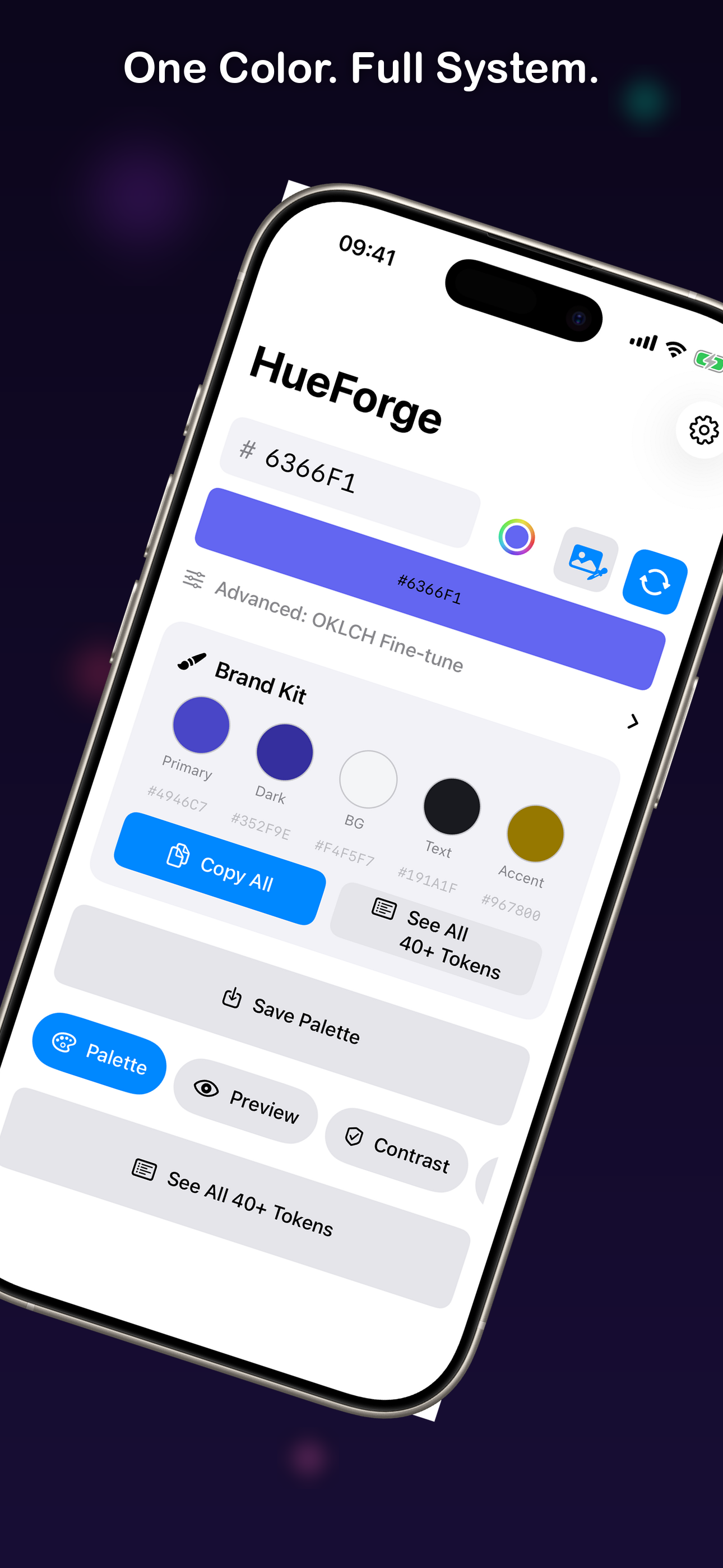
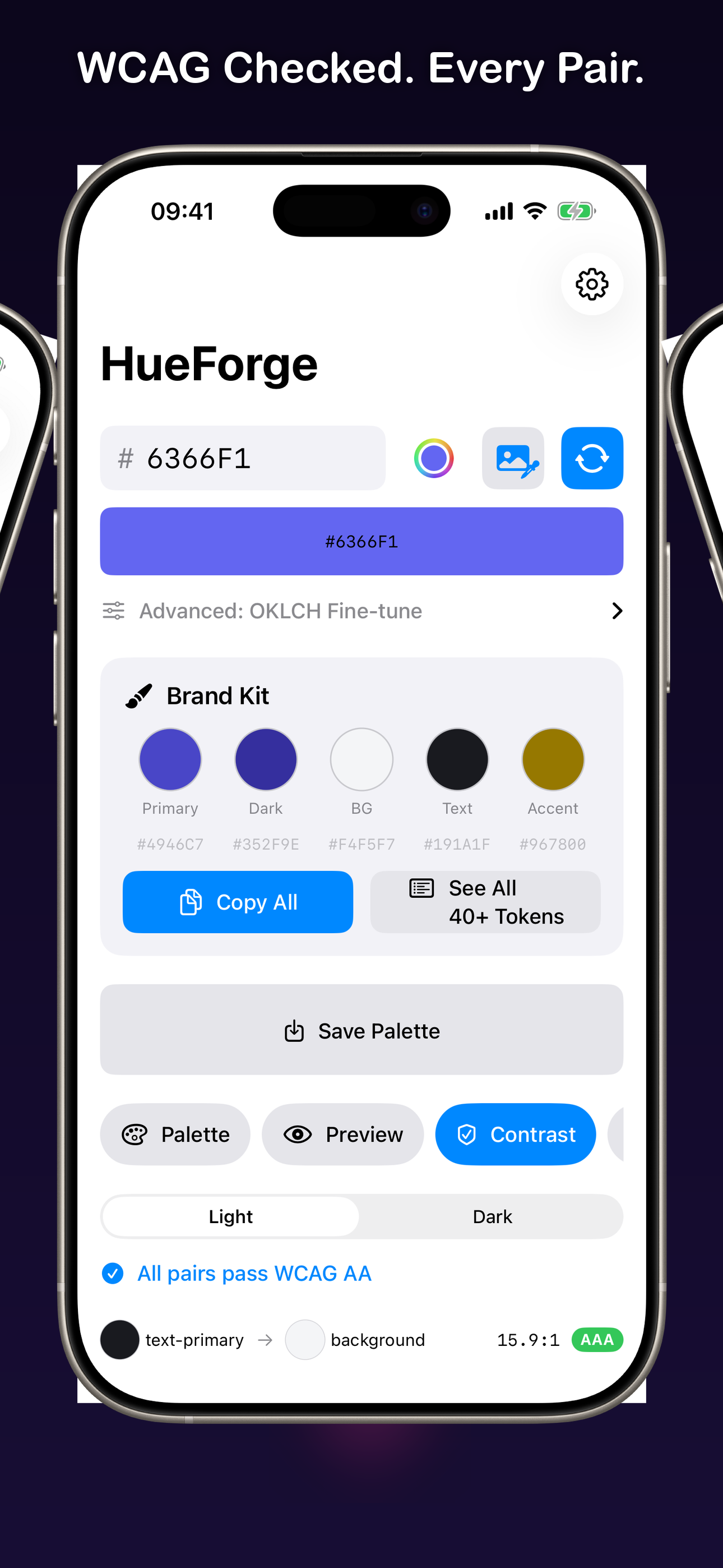
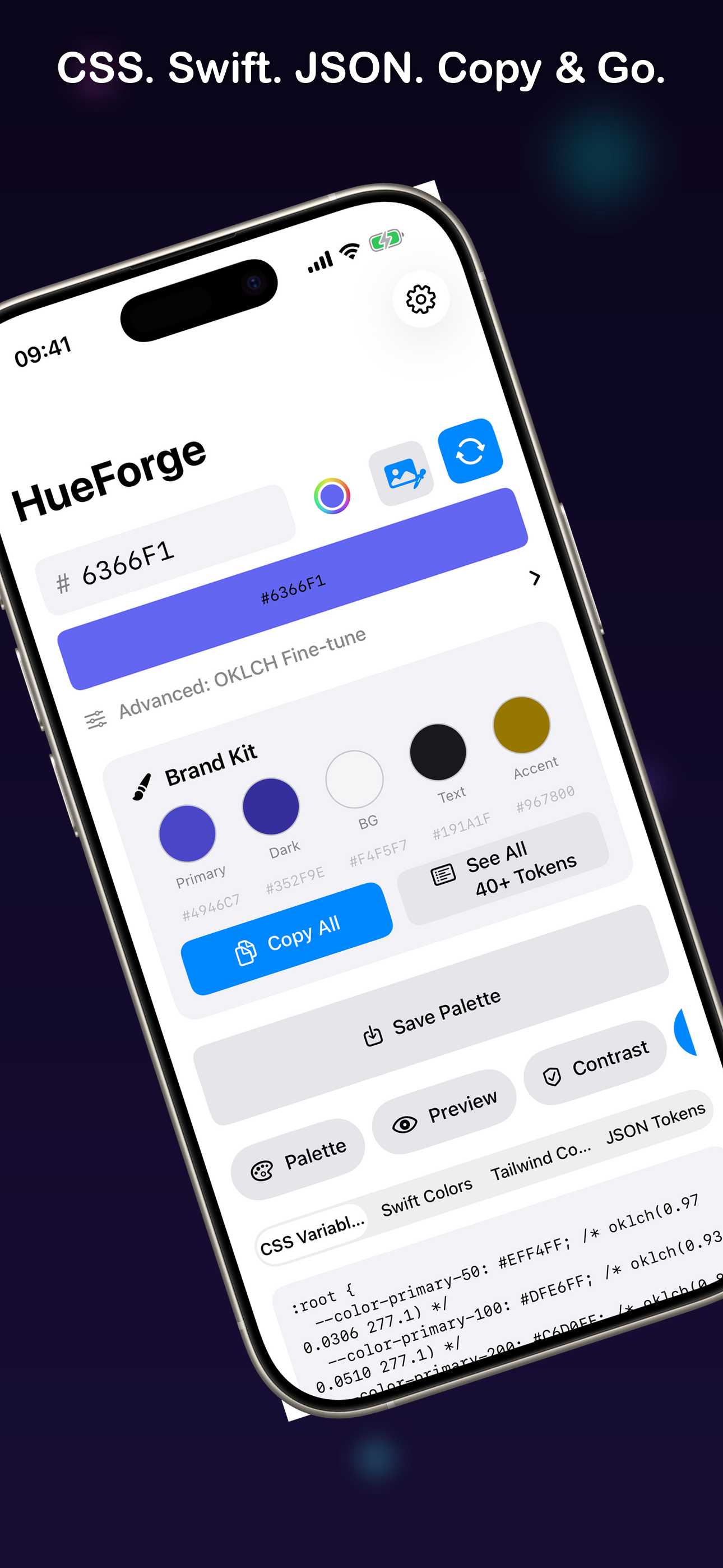
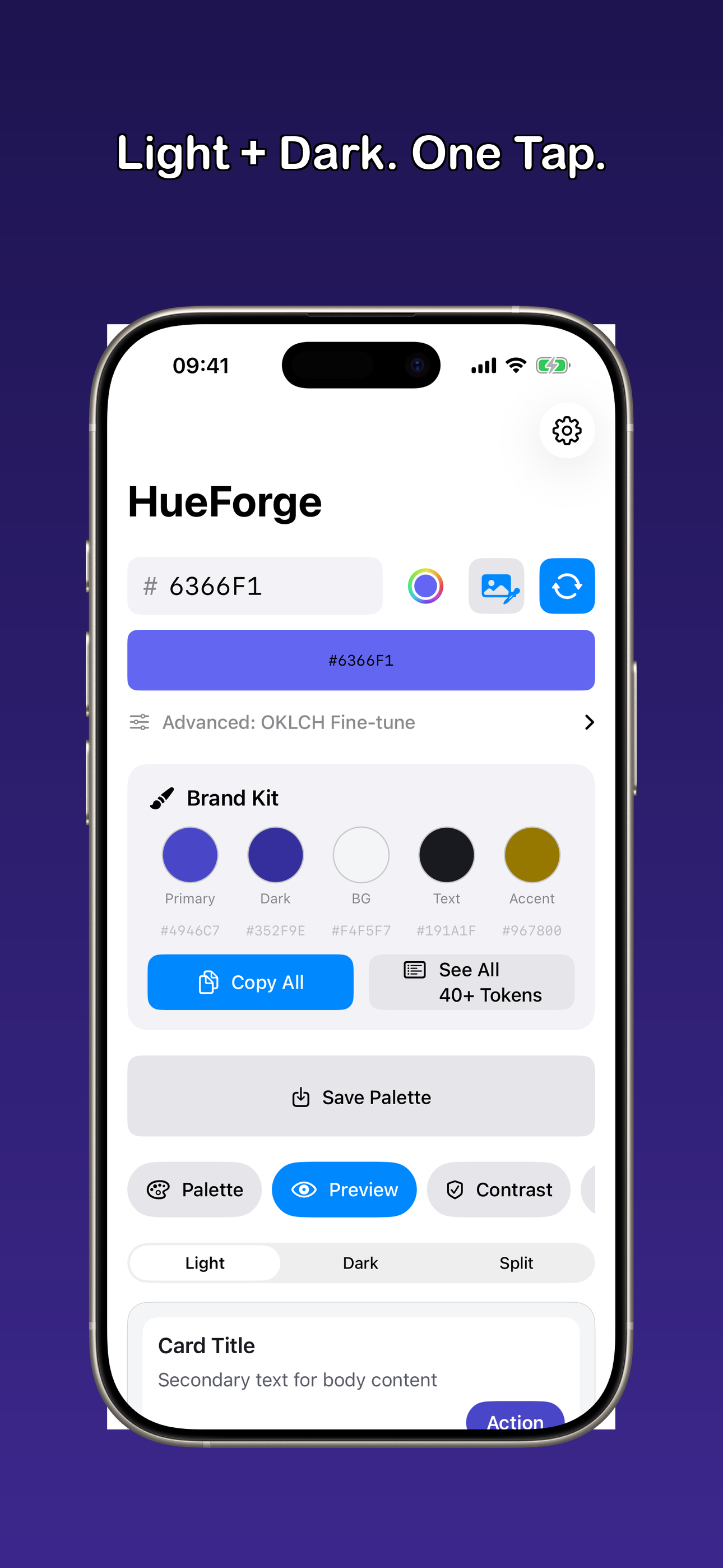
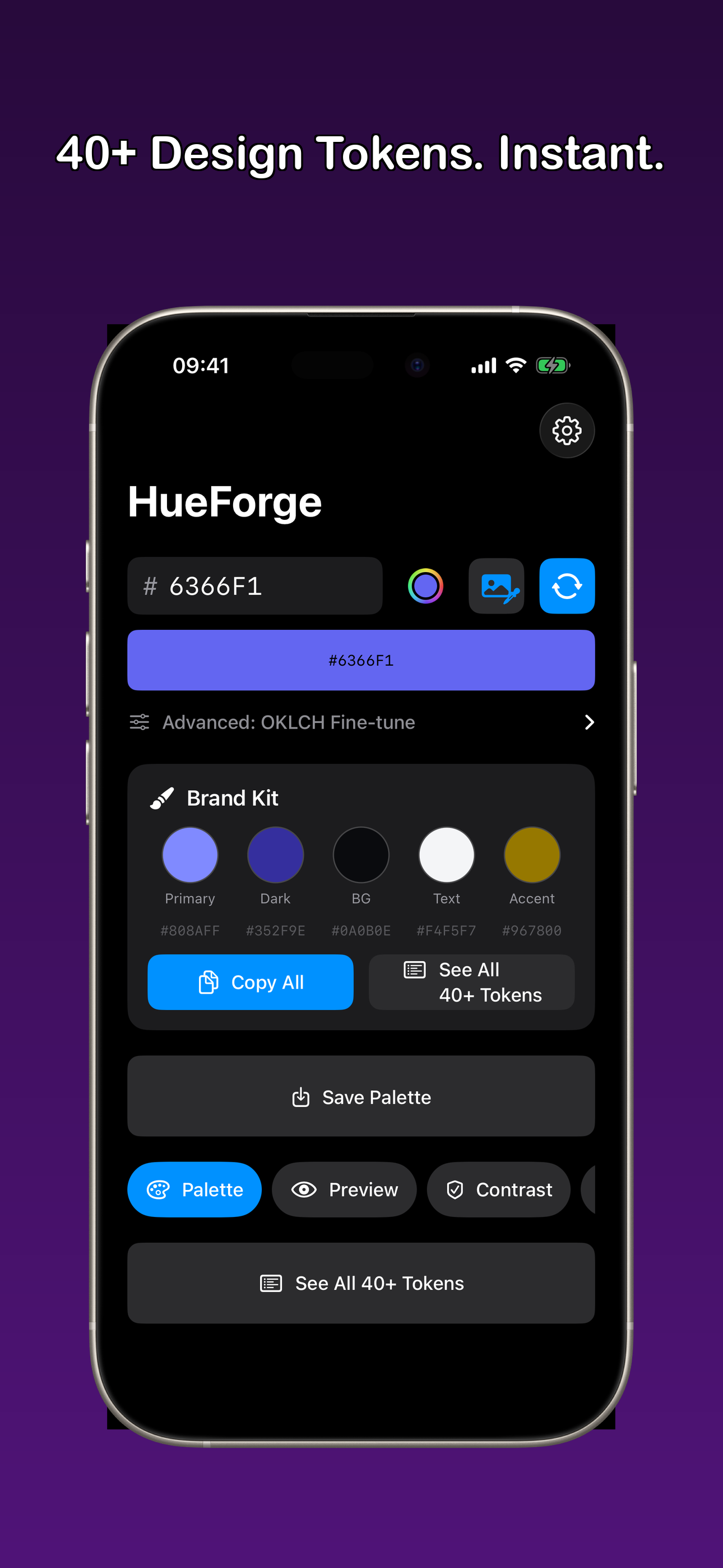
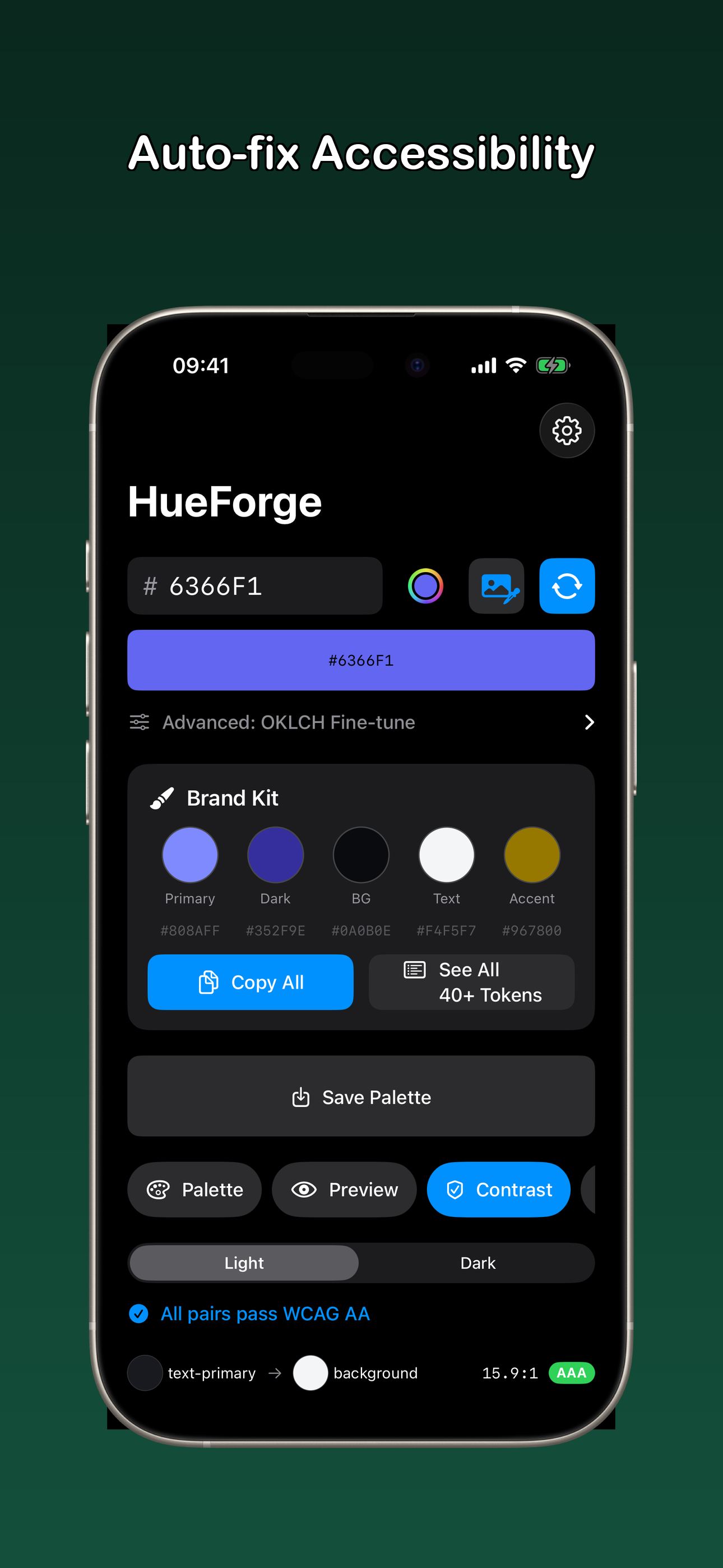
One color in. Full design system out. Enter a single HEX color and get a complete palette: 11-shade primary scale, neutral scale, semantic tokens, light mode, dark mode — all WCAG-checked. One tap fixes every contrast issue. Copy CSS, Swift, Tailwind, or JSON and paste straight into your project.
No account. No internet. No designer. Production-ready in 10 seconds.
What HueForge Does
- ✓ Export Palettes — copy your color harmony as CSS variables, Swift extensions, or Tailwind config. WCAG contrast matrix included
- ✓ 40+ Design Tokens — primary scale, neutral scale, semantic tokens from one brand color
- ✓ OKLCH-Based Palette — perceptually uniform, not washed-out HSL
- ✓ Light + Dark Mode — both themes from one source color, split-view comparison
- ✓ WCAG Auto-Fix — contrast checker with AA/AAA badges, one-tap fix for accessibility
- ✓ Code Export — CSS Custom Properties, SwiftUI Colors, Tailwind Config, JSON Tokens
- ✓ Semantic Tokens — background, surface, text, primary, border, ring, error, success
- ✓ Palette Share Card — share your color palette as a visual card. Perfect for client presentations, Dribbble, and design chats
Who It's For
Indie hackers, solo devs, freelancers, startup founders — anyone shipping a product without a designer. If you've ever spent 2 hours picking colors and building dark mode by hand, HueForge replaces that with 10 seconds.
vs. The Alternatives
Coolors: 5 random color strips, no dark mode, no WCAG, no code export. ColorSlurp: $4.99 freemium, no design system. Pastel: $3.99, no dark mode generation. HueForge: Free. Full system. Dark mode. WCAG. Code. Done.
Coming to App Store
HueForge is preparing for release. Free for iOS.
Questions or feedback: magic4e@gmail.com